AI Video Clipper
Extract Highlights by the Second
Crop video online in seconds — upload a video, preview clips, and set start/end points with one click for second-level precision. No watermarks, no limits.
Here's How You Can Use Video Clips
One tool for the entire content creation workflow: split clips, capture highlights, remove filler.
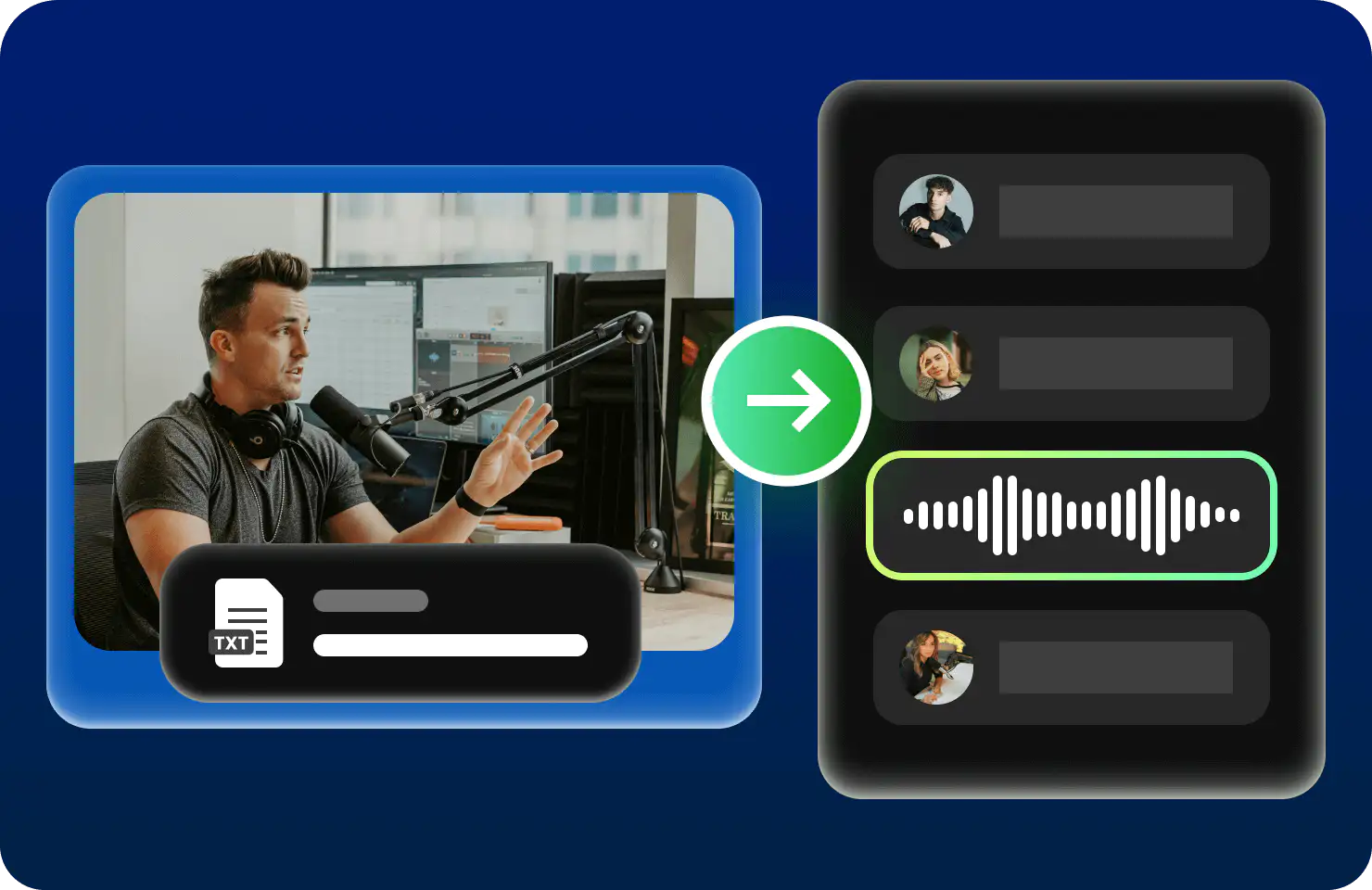
Split Talking-Head Clips, Turn One into N
A 10-minute talking-head video can be split into 5–10 short clips. Each point becomes its own standalone piece, distributed across multiple platforms—doubling your content output instantly.
- Mark start and end points by topic, batch-clip in one go
- Preview and download each clip independently
- Optimized for vertical-video pacing on TikTok, Instagram Reels, and YouTube Shorts

Highlight Moments, Not a Single Second Missed
Brilliant moments in livestreams, matches, and press conferences vanish in an instant. Play to the exact frame you want, mark it with one click, and clip it in seconds—fast enough to share on social media right away.
- Click to capture the moment as it plays—no need to note timestamps
- Auto-preview after clipping—download only when you're satisfied
- When it comes to breaking news, every second counts
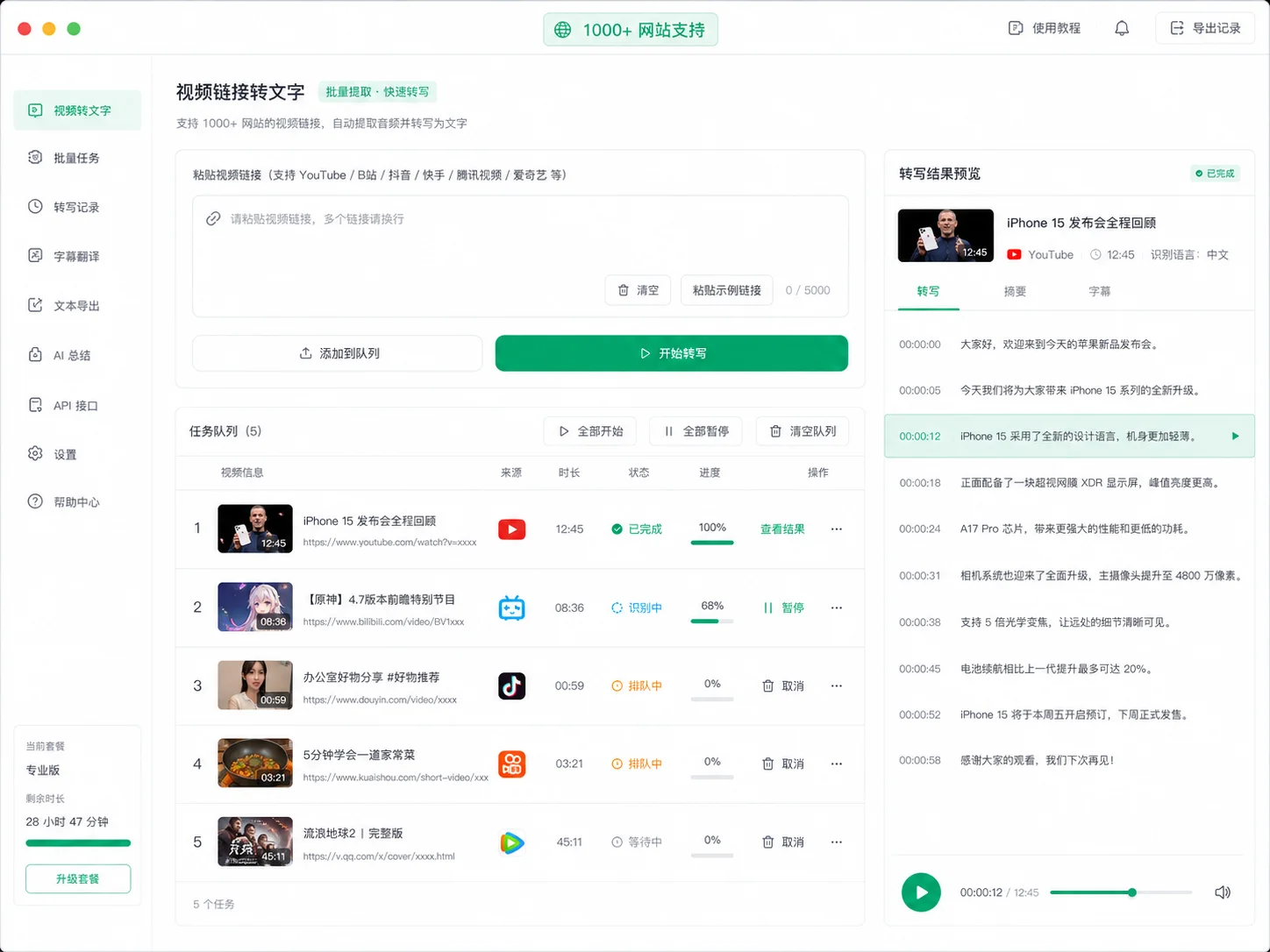
Trim Intros and Outros, Get Straight to the Good Stuff
Courses, tutorials, and meeting recordings often have lengthy intros and outros. Mark the start and end once, batch-remove them, and keep only the core content—ready to use as-is.
- Mark intros and outros in one go, trim them all at once
- Batch process multiple files, slice them one by one
- Publish to course platforms or internal training systems with a polished, professional look
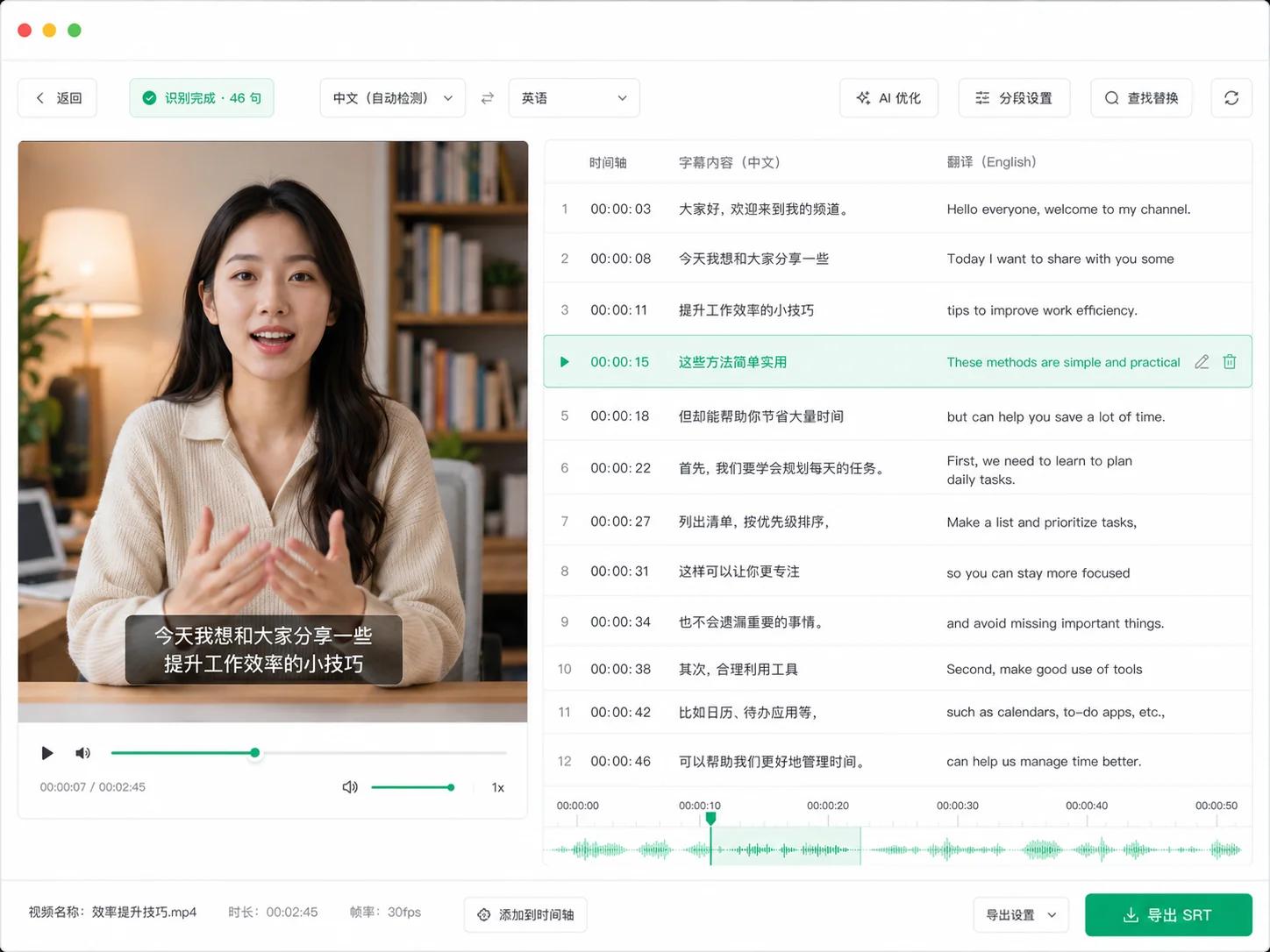
Course Slicing, Learn Any Knowledge Point on Demand
Split a long lecture into bite-sized segments by knowledge point. Learners can study on demand and review as needed, boosting course completion and satisfaction rates.
- Mark start and end points by knowledge point, slice into segments
- Name and download each segment independently for archiving
- Pair with chapter outlines for a clearer learning path
Visual Clip Selection, What You See Is What You Get
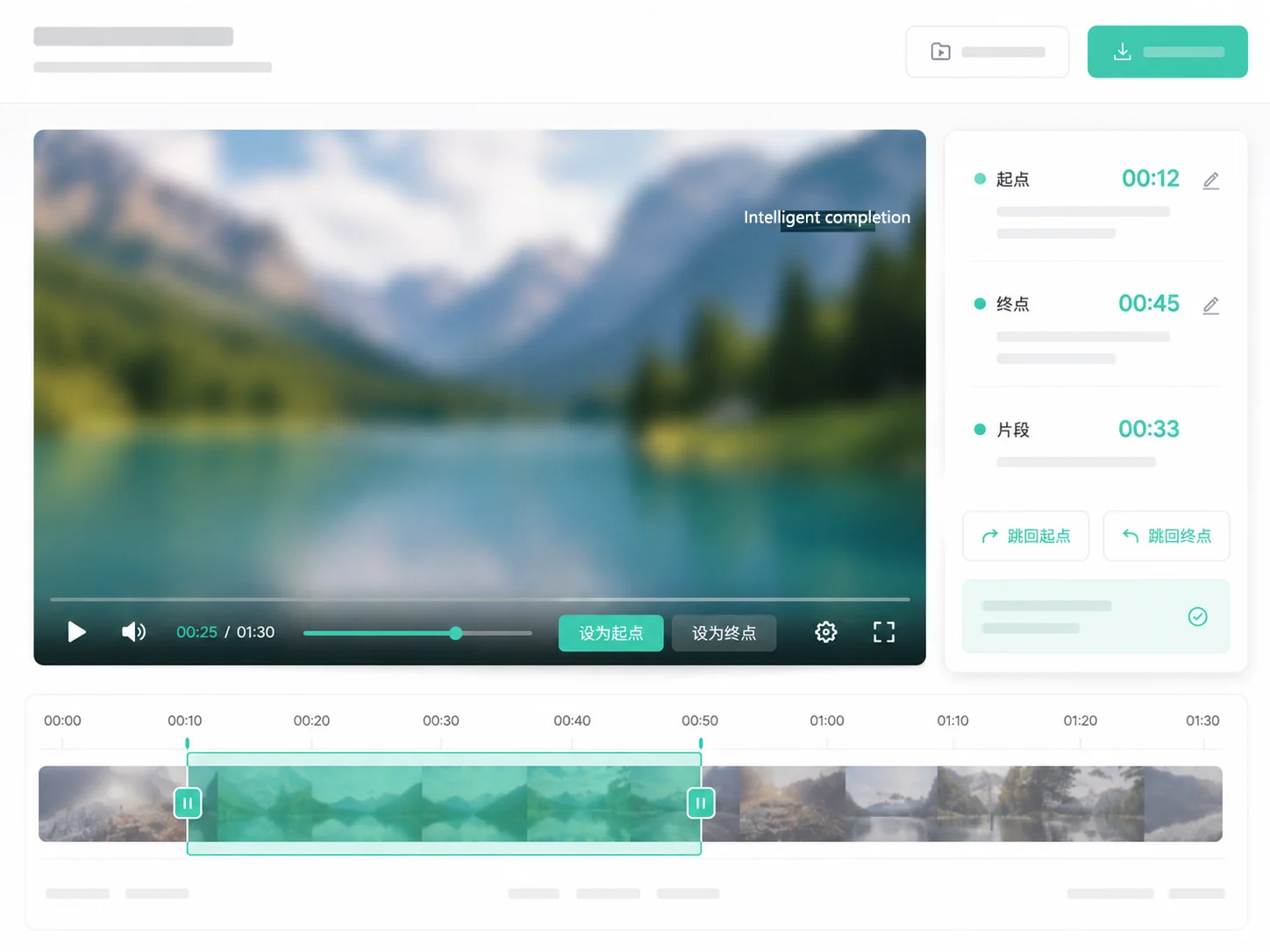
Playback Preview + One-Click Marking, Say Goodbye to Memorizing Timeline Numbers
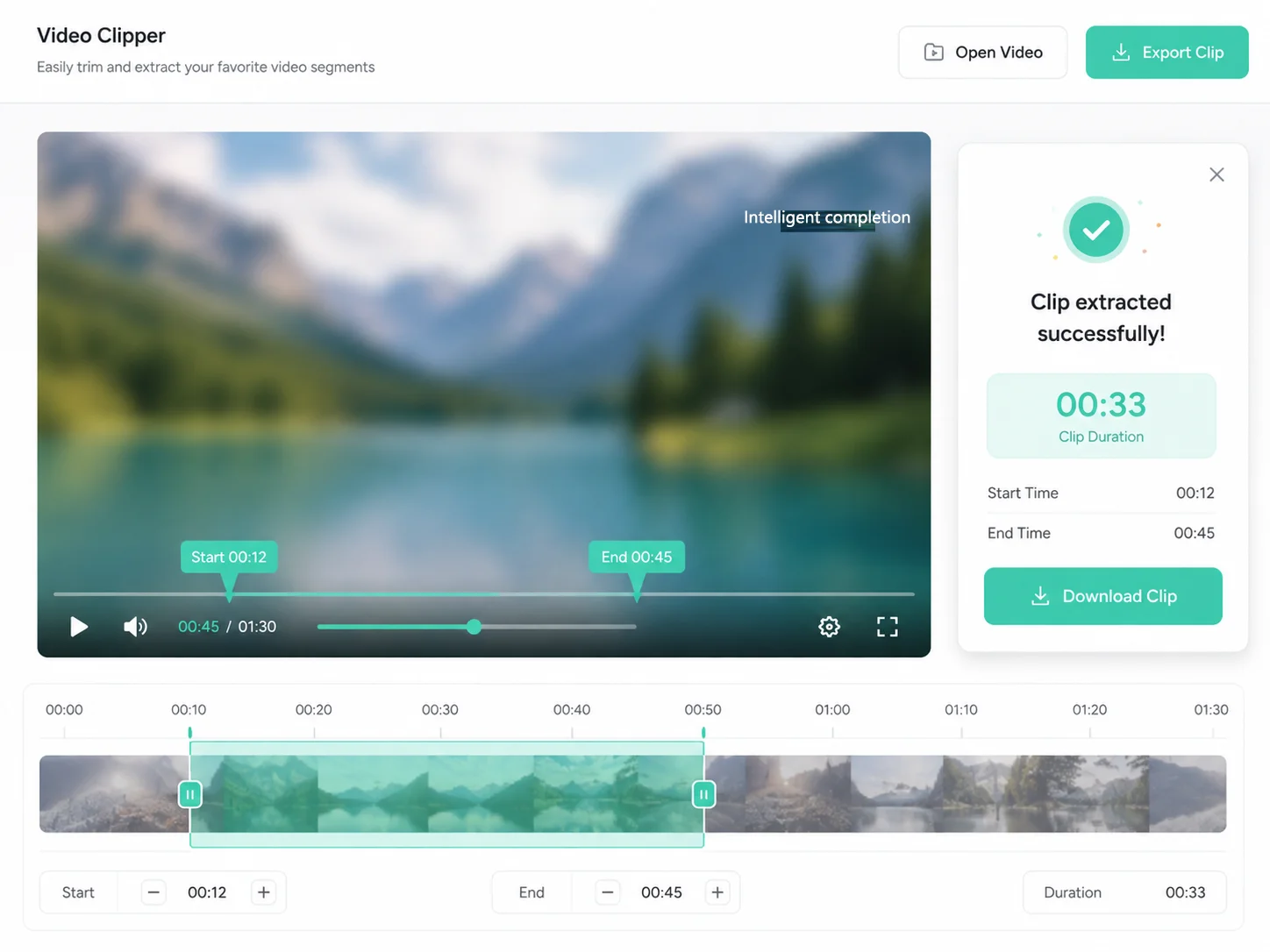
No more staring at timecodes to calculate. Upload and play the original footage directly. Click 'Set Start' or 'Set End' on the frame you want, and the start and end times are filled in automatically, with the clip range displayed in real-time on the status bar.
-
Preview Original FootagePlay as soon as you upload, mark as you watch—your frame is your timeline
-
One-Click Start & End MarkingJust two buttons: 'Set Start' and 'Set End.' One click automatically fills in the seconds.
-
Real-Time Clip Range SyncChange the start or end, and the clip duration and range in the status bar update instantly.
-
Jump to ReviewOne-click jump back to the start/end review screen to confirm accuracy before slicing
Task History, Review Anytime
Every slice is remembered
All slicing tasks are automatically saved to the history list. Click to re-preview results or download again—start and end times are auto-filled into the workspace. No redundant work, perfectly organized assets.
-
Auto-Save TasksSlices are saved upon completion—no data loss even after page refresh
-
One-Click Result ReviewClick a history task to instantly load the slicing result into the preview area
-
Auto-fill Start & End TimeBring historical parameters back to the workspace with one click—just change the time and cut another clip
-
Download AnytimeResult files are saved—download whenever you want
Four Steps to Create Your First Video
No learning curve—just open and use. From upload to export, the entire process takes less than a minute.
Upload Video
Drag & drop or click to select a video. Supports all major formats.
Playback Preview
Auto-plays upon upload with real-time preview. Watch and mark as you go.
Mark Start & End
Click "Set Start" or "Set End" at your desired frame, precise to 0.1 seconds.
One-Click Export
Click "Start Slicing" and download your clip as soon as it's ready.
Simple, usage-based pricing
Sign up and get 20 free credits, plus a free daily allowance. Pay only for what you use — failed tasks are never charged.
FAQ
Capture Highlights and Distribute Them Fast
Start Now
Free registration grants 20 credits plus a free daily allowance.
More tools
All tools work online - upload and start.
Related guides
Step-by-step pages for what people actually search for.
We use local storage only to keep you signed in — no tracking cookies, no third-party ads. See Privacy Policy
SpeakVid does not use tracking or advertising cookies. The only storage used is listed below.